01 / THE CHALLENGE
The work that needed to change.
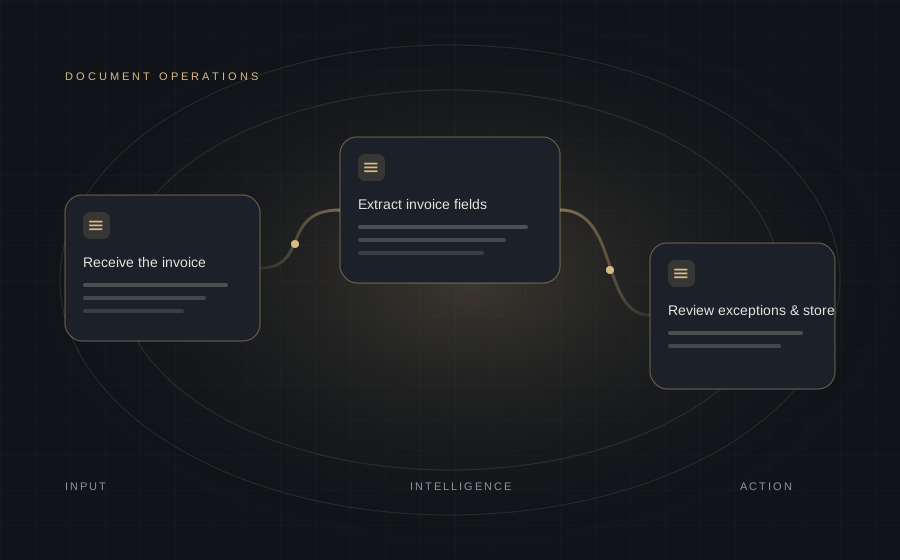
Copying invoice information into spreadsheets and records created repetitive work. Missing fields and inconsistent formats needed to be identified before the information could be used.
02 / THE SOLUTION
Connecting the right steps.
Document parsing and AI extraction convert files into structured fields. Validation and confidence checks identify exceptions, data mapping prepares the destination records, and Slack provides a review route.
- PDF, DOCX and image inputs
- Required-field and schema checks
- Exception handling with human review
- Mapping to Airtable and Google Sheets
03 / THE WORKFLOW
How the system works.
- 01Receive the invoice
- 02Parse the document
- 03Extract invoice fields
- 04Validate & check confidence
- 05Map business records
- 06Review exceptions & store
04 / THE OUTCOMES
What the workflow made possible.
- Reduced repetitive entry of invoice information.
- Standardised extracted fields across document formats.
- Made missing information and review exceptions visible.
05 / TECHNOLOGY
Tools behind the workflow.
n8nOpenAIOCRAirtableGoogle SheetsSlack
 Chat on WhatsApp ↗
 Email Us ↗